
Free Homeschool Certificate of Completion Template
 Homeschool Reports10 min read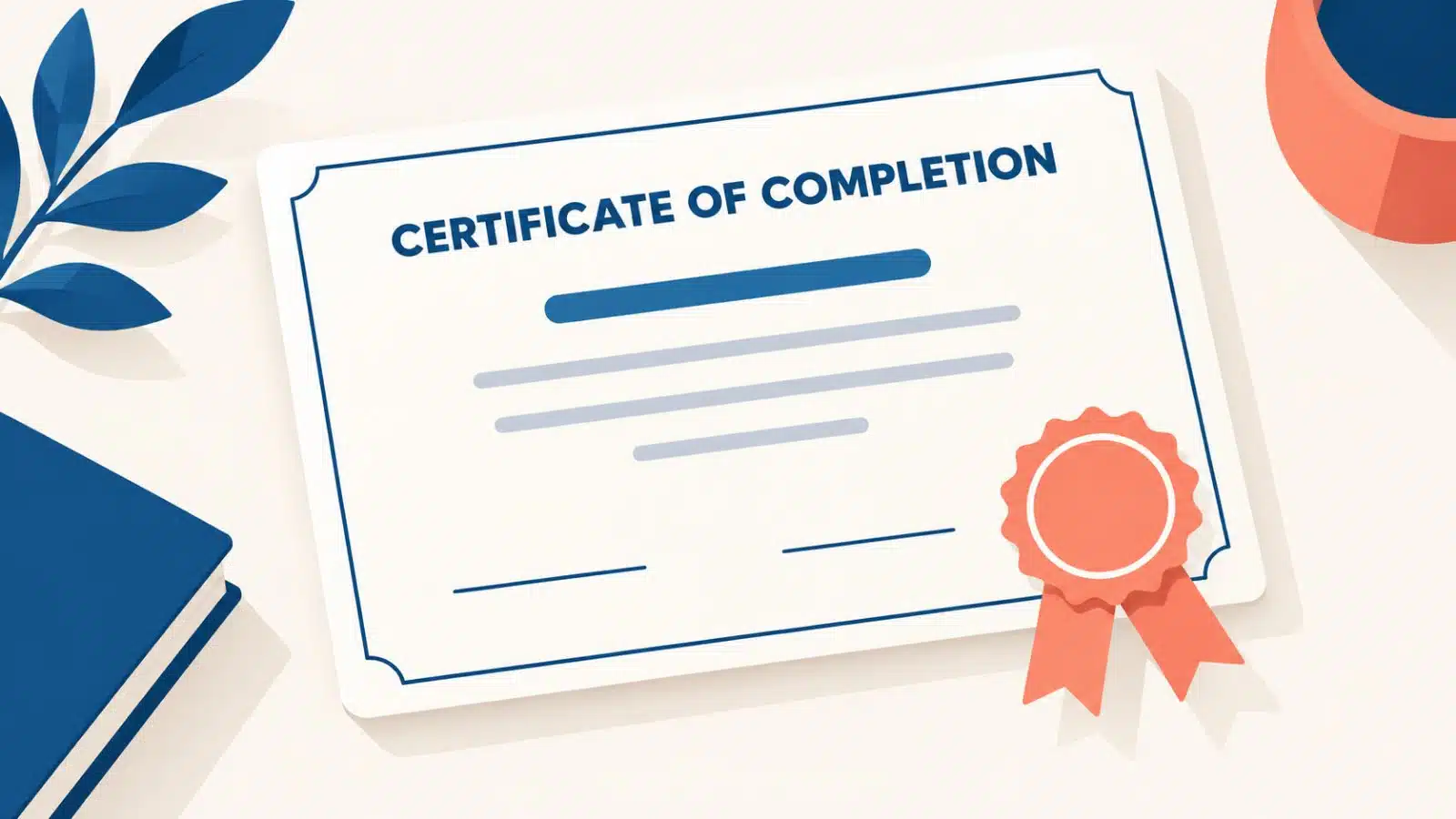
Quick answer
A homeschool certificate of completion is a one-page document you issue at the end of a grade, a course or a finished program. It names the student, names your homeschool, says what was completed, gives the date, and carries your signature. It is not a high school diploma — that is a separate document for your graduate — but for every other finish line it is exactly the right thing to hand your child.
You finished. The last math lesson got checked off sometime in May, the science notebook went in a drawer, and the year quietly ended without anything to mark it. Then September came and nobody could quite remember whether third grade had been finished or just stopped.
That is the small ache a homeschool certificate of completion fixes. It takes ten minutes, it costs nothing, and it turns a year of faithful work into a page your child can hold. Below you get the full wording template to copy, the five moments that deserve one, printing tips that keep it from looking like a worksheet, and — if you would rather not fight with margins at all — a way to generate one free in your account with your homeschool name already on it.
What a homeschool certificate of completion actually is
A certificate of completion is a parent-issued record. You are the school, so you are the one who says a course of study was completed — the same way a school office would. It is short, it is formal, and its whole job is to state a fact clearly enough that it still reads as true ten years from now.
Where families get tangled is the difference between the three documents they keep hearing about. They are not interchangeable, and using the wrong one at graduation causes real problems.
Do not use a certificate of completion in place of a high school diploma. In the wider school world, “certificate of completion” often means a student attended but did not meet graduation requirements. Your graduate should receive an actual homeschool diploma. Here is how a homeschool diploma works, and what makes one legitimate.
| Document | What it says | When you issue it |
|---|---|---|
| Certificate of completion | This course, grade or program was completed | End of a grade, course, co-op class or unit study |
| Report card | These were the subjects and these were the grades | Each term, quarter or semester |
| Diploma | High school graduation requirements were met | Once, at the end of twelfth grade |
A certificate says “you finished.” A report card says “here is how it went.” A diploma says “you graduated.” Keep them in their own lanes and every one of them stays believable.
When to give a certificate of completion
Most families think of this as a May-only document. It is far more useful than that, because a finish line only counts if somebody marks it.
End of a grade
Third grade finished. Hand it over on the last day, not in a text message.
A finished course
Especially high school credits — Algebra I, Biology, Spanish II.
Co-op or class
A semester of writing club or a nine-week art class deserves paper.
A long unit study
The twelve weeks on ancient history that took over your dining room.
A personal finish line
Read the whole Bible. Learned to swim. Finished the piano book.

The free homeschool certificate of completion template
Here is the template. Copy it into any word processor, swap the bracketed pieces for your own, center it, and you have a finished certificate. Nothing else is required — these lines are the whole document.
CERTIFICATE OF COMPLETION
This certifies that
[Student’s full name]
has successfully completed
[Grade level, course name or program]
at [Your homeschool’s name]
during the [2025–2026] academic year.
Awarded this [day] day of [month], [year].
______________________________
[Parent or administrator name], Administrator

Every certificate worth keeping has these six pieces, and almost every homemade one is missing at least two of them:
- The student’s full legal name — not the nickname you actually call them
- Your homeschool’s name — this is what makes it a record from a school rather than a note from a parent
- Exactly what was completed — “Fourth Grade” or “Biology, 1 credit,” never just “the year”
- The date or academic year — a certificate with no date is unusable later
- A signature line with your name and the word Administrator under it
- A title line at the top that plainly reads Certificate of Completion
If you have not named your homeschool yet, do it before you print. “Miller Family Academy” on a certificate reads completely differently from a blank space, and you will use that name on every report card, transcript and diploma from here on.
Want your homeschool name filled in automatically on every certificate, report card and diploma? Generate your first certificate free →
Personalizing it without it looking generic
The difference between a certificate that gets framed and one that gets recycled is about four small decisions.
- Name the specific accomplishment. “Completed General Science, 1 high school credit” beats “completed science.”
- Add one line of your own. A single sentence under the award line — “for steady work and a cheerful heart through a long year” — is what makes your child read it twice.
- Use two typefaces at most. A serif for the body, something a little more formal for the title. That is the whole design.
- Sign it by hand, in ink. A typed signature is a form. A handwritten one is a moment.
- Clip-art borders, five colors and three fonts — it starts to look like a party invitation
- Fake seals, fake accreditation language or an invented district name
- Leaving the date off because you will “fill it in later”
Printing tips that make it look real
- Print on heavier paperAny 32 lb stock or cardstock, in cream or bright white. This single change does more than anything else on this list.
- Keep margins generousAt least one inch on every side. Cramped certificates look cheap; white space looks intentional.
- Print landscapeCertificates read as certificates in landscape. Portrait reads as a letter.
- Choose Best or High QualityDraft mode leaves faint banding that is obvious on a document meant to be looked at closely.
- Print two copiesOne to hand over, one for the records binder. You will want the second one eventually.
Mom tip: Print it a week early and hide it. Handing it over the moment the last lesson is finished — while everyone is still at the table — lands far better than mailing it to their memory in July.
By hand versus one click
The template above genuinely works, and plenty of families use nothing else. But the honest version of doing it by hand is that you rebuild it every single time, for every child, every year — and the file is always on the other computer.
The by-hand way
- Rebuild the layout each time
- Retype the homeschool name, student name and year
- Fight the margins until it fits on one page
- Hope you can find the file next May
- Repeat it for every child
With Homeschool Reports
- Your homeschool name is already there
- Your student is already there
- Pick the milestone, pick the date
- Download a print-ready PDF
- Reprint any year, in seconds
Certificates of achievement and completion are included on every plan, alongside report cards, transcripts, attendance records and diplomas — so the certificate you print in March and the diploma you print in twelfth grade carry the same homeschool name, set the same way.
Print your first certificate of completion free
Add your student once. Your homeschool name, their name and the year fill themselves in, and the certificate downloads as a clean, print-ready PDF you can reprint any time.
- Certificates of completion and achievement included
- Your homeschool name on every document
- Kept in your account, so reprints take seconds
- No credit card required
- Free forever plan
- Set up in under 5 minutes
- Cancel any time
Making it a keepsake, not a printout
A single certificate is nice. A row of them is a story. Families who keep every one end up with something their child can flip through at eighteen and see, year by year, that somebody was paying attention.
- The last dayHand it over out loud. Read the accomplishment line to them.
- That weekPhotograph them holding it. That photo ages better than the paper does.
- That monthSecond copy goes in the records binder, behind the report card.
- Years laterAll of them together — the finished grades, courses and milestones in one place.
“I have fought the good fight, I have finished the race, I have kept the faith.”
2 Timothy 4:7
Finishing is worth honoring. Not because the paper proves anything to the state, and not because anyone is checking — but because your child worked through a long year, and a family that marks its finish lines teaches something a curriculum cannot.
If your records are scattered across notebooks and folders right now, this is a good week to fix it: here is how to organize your homeschool records so next May’s certificate takes five minutes instead of an evening.
What it costs
Nothing, to start. The Starter plan is free forever and includes every feature — certificates, report cards, transcripts, attendance and diplomas — for one student.
Simple pricing for homeschool families
Every plan includes every feature. Start free — upgrade only when you want watermark-free PDFs.
Starter
Free forever, every feature
$0Free for as long as you like
- Every report included
- Unlimited reports & records
- 1 child, upgrade anytime
Family
Single homeschool family
$39per year (or $9/mo)
- 5 Children + Add More
- Attendance Tracking
- Report Cards & Transcripts
School
Group, co-op, church or school
$149per year (or $49/mo)
- Unlimited children
- Everything in Family
- Manage multiple families
Common questions
Is a homeschool certificate of completion an official document?
It is a parent-issued record, which is what most homeschool documents are. You are the administrator of your homeschool, so you are the one with the authority to certify that a grade or course was completed. It is not issued or verified by a state agency, and it should never be presented as though it were.
Can my graduate use one instead of a diploma?
No — issue a real homeschool diploma. In the wider school world a certificate of completion typically signals that graduation requirements were not met, so using one for a graduate can create exactly the doubt you were trying to avoid. Keep certificates for grades, courses and milestones along the way.
Does my state require certificates of completion?
Generally no. States that regulate homeschooling usually ask for things like a notice of intent, attendance records or annual assessment rather than certificates. Requirements vary a great deal from state to state, so check your own state’s rules before assuming either way.
What should I write for a course that had no grade?
Name the work instead of a grade: “has successfully completed a twelve-week study of United States geography.” Certificates certify completion, not performance — the grade belongs on the report card.
Can I issue one mid-year?
Yes, and you should. A semester course that ends in December should be certified in December, while everyone still remembers it. Waiting until May is how finished courses get forgotten.
Mark this year's finish line
Set up your homeschool once, and every certificate, report card and diploma afterwards carries your homeschool name automatically. Free forever for one student.
- A certificate of completion in about a minute
- Print-ready PDF on your own printer
- Reprint any milestone, any year
- No credit card required
- Free forever plan
- Set up in under 5 minutes
- Cancel any time